What Are the Best Headsets for Call Centers in Bangladesh?
Your agent knows the answer. The customer cannot hear it clearly.
Background voices, an uncomfortable headset or an unreliable connection can turn a simple call into a frustrating conversation.
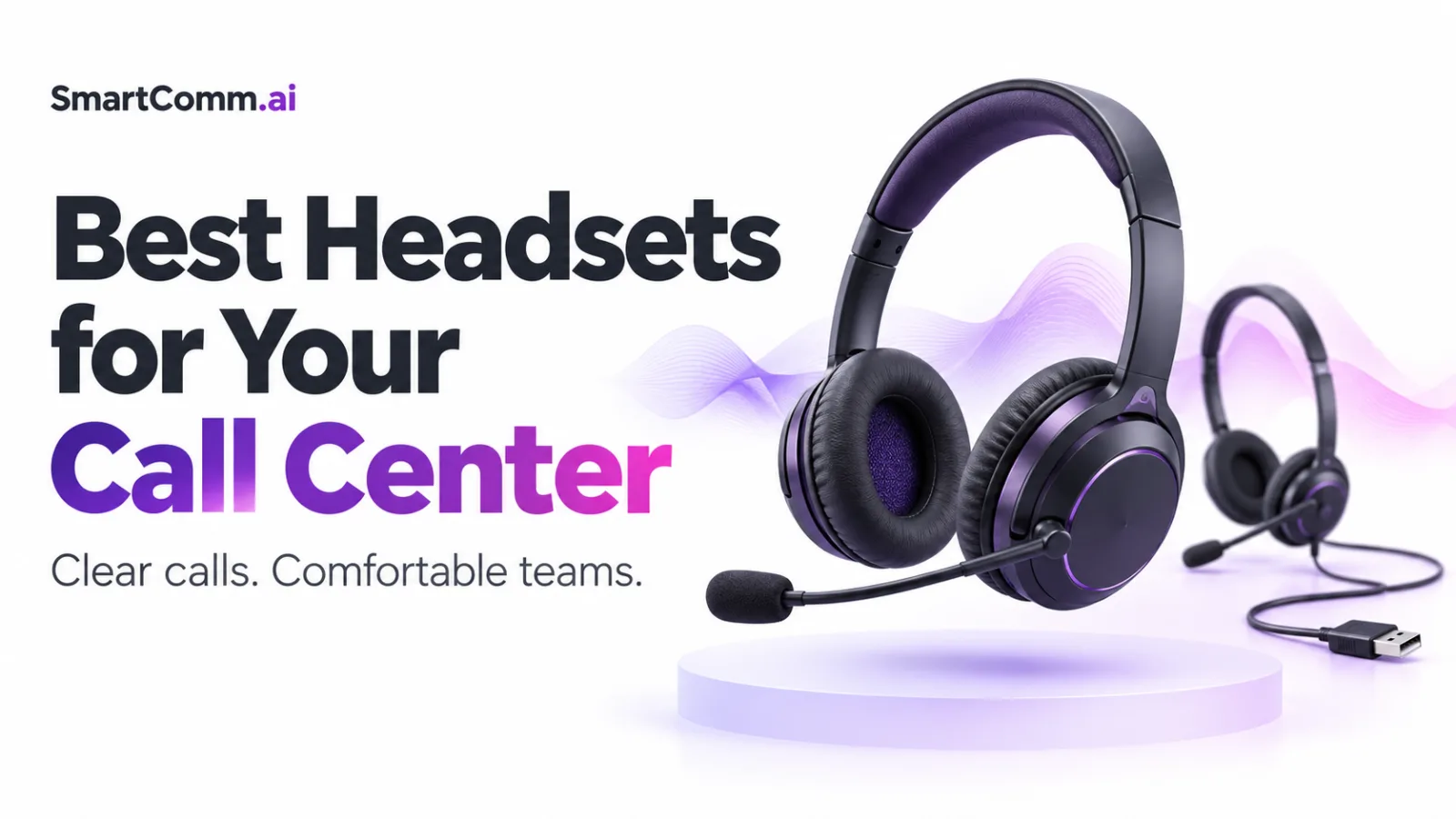
The best headsets for call centers combine a clear microphone, comfortable fit and reliable connectivity. For agents who work at a desk, a professional wired USB headset is a practical starting point. Wireless models suit staff who need to move around.
Jabra Engage 50 II, Yealink UH37, Logitech H570e, Yealink WH64 and Jabra Evolve2 65 Flex are five options worth comparing.
This guide explains where each fits and what to test before buying for your team.
The shortlist is based on manufacturer information reviewed in September 2026, rather than hands-on comparative testing. Confirm local availability, warranty and the exact product variant before purchase.
Which headsets should you consider for your call center?
Choose according to the agent’s work, office environment and calling setup. You may not need the same headset for every role.
| Headset | Connection category | Suggested use | Main purchase check |
|---|---|---|---|
| Jabra Engage 50 II | Wired USB | Dedicated customer-facing agents | Connector, controller and software requirements |
| Yealink UH37 | Wired USB | Desk-based sales and support | Mono or dual version and USB connection |
| Logitech H570e | Wired USB | Straightforward office calling | Exact UC or Teams variant |
| Yealink WH64 | DECT and Bluetooth wireless | Staff who need desk mobility | Base bundle and phone compatibility |
| Jabra Evolve2 65 Flex | Bluetooth wireless | Hybrid staff and mobile supervisors | Computer adapter bundle and battery needs |
These are use-case recommendations. A short pilot with your own agents should decide the final choice.
When should you choose Jabra Engage 50 II?
Consider the Jabra Engage 50 II when customer calls are the agent’s main job.
Jabra describes a three-microphone system designed to reduce background noise. Its Engage+ software can provide guidance on factors such as microphone position and background sound.
The wired connection avoids charging routines, which can suit fixed workstations.
Check the exact connector and controller package. Manufacturer software features and hardware call controls may depend on the configuration and calling platform.
When should you choose Yealink UH37?
The Yealink UH37 is a professional USB-wired headset available in mono and dual versions.
It is worth shortlisting for agents who handle calls from a computer and prefer a wired setup.
Compare the available USB and platform variants before ordering. A product name alone may not identify the exact model your supplier will deliver.
Ask agents to test voice pickup, ear-cushion pressure and microphone placement during normal work.
When should you choose Logitech H570e?
The Logitech H570e is a wired business headset with a noise-cancelling microphone.
It is worth comparing when your team needs straightforward computer calling without a wireless charging routine.
Logitech offers different platform variants, so confirm the exact specification and connection with your supplier.
For a larger purchase, request sample units and a written quote. Compare the local price alongside warranty service and replacement-part availability.
When should you choose Yealink WH64?
Consider the Yealink WH64 when staff need wireless movement around their workspace.
The WH64 combines DECT and Bluetooth technology and includes a three-microphone noise-cancellation system.
Check the exact package carefully. The WH64 range includes different configurations, and connections to computers or desk phones depend on the selected setup.
Test wireless performance where the team will work. Walls, distance and other wireless equipment can affect the experience.
When should you choose Jabra Evolve2 65 Flex?
The Jabra Evolve2 65 Flex is worth considering for hybrid staff who move between calls, meetings and locations.
Its features include a foldable design, noise-cancelling microphones and hybrid active noise cancellation.
That combination may suit a supervisor or salesperson who needs portability as well as calling.
Confirm whether the quoted package includes the appropriate computer adapter. Test battery performance during your own calling routine rather than relying only on a maximum published figure.
What matters most when choosing a call center headset?
Prioritise what the customer hears, how the headset feels and whether it works reliably with your system.
Music quality alone is not a useful test for customer calls.
Why is microphone clarity so important?
The microphone determines how clearly your voice reaches the customer.
A headset may sound excellent to the agent while picking up too much office noise for the person on the other end.
Test with nearby conversations, typing and normal room noise. Ask the listener whether they can understand names, numbers and addresses without repetition.
Position the microphone according to the manufacturer’s instructions. Placement can affect results even on a professional model.
Is microphone noise cancellation the same as ANC?
No. They solve different problems.
| Feature | Main purpose |
|---|---|
| Microphone noise cancellation | Reduce unwanted sound sent to the other caller |
| Active noise cancellation, or ANC | Reduce some surrounding noise heard by the wearer |
| Passive isolation | Reduce outside sound through the physical fit of the earcups |
For call centers, microphone performance deserves close attention because it affects the customer.
ANC may help an agent concentrate, but it does not prove that the outgoing voice will be clear.
Should agents use wired or wireless headsets?
Use wired headsets when staff mainly stay at a computer and simplicity matters. Consider wireless when movement is part of the job.
| Factor | Wired headset | Wireless headset |
|---|---|---|
| Charging | No battery routine for typical USB models | Requires charging |
| Movement | Limited by cable length | More freedom within usable range |
| Setup | Usually fewer connection steps | May involve pairing, an adapter or a base |
| Daily checks | Cable and connector condition | Battery, connection and charging status |
Wireless is not automatically better. Choose it when the extra mobility solves a real need.
Is a dual-ear headset better than a single-ear model?
A dual-ear headset can help agents focus on customer audio in a busy room. A single-ear model leaves one ear open to nearby activity.
Test both against the role.
An agent handling back-to-back calls may prefer dual-ear audio. Someone who regularly needs to hear nearby colleagues may prefer a single-ear model.
Comfort and the office environment should guide the decision.
How should you test comfort?
Let agents use sample headsets during a meaningful part of their normal working day.
Check pressure around the ears, headband adjustment, heat, stability and comfort with glasses.
A headset that feels fine for five minutes may become distracting during a longer shift.
Collect feedback from several people. Fit varies, and the manager’s preferred model may not suit the whole team.
Which accessories and support details matter?
Check replacement ear cushions, adapters, cables where replaceable, and charging equipment.
Ask who handles warranty claims in Bangladesh and how long a replacement may take.
For shared equipment, follow the manufacturer’s cleaning instructions and agree on a hygiene process.
A lower purchase price may offer poor value if a small damaged part takes a working headset out of service.
How should you use headsets with SmartComm’s call center?
Treat the headset as one part of the calling system. The computer, browser or softphone, network and telephony connection also affect the call.
SmartComm.ai provides an integrated call center alongside customer profiles, leads, tasks and support tools. Your headset helps agents speak and listen while the CRM supports the customer workflow.
Are these headsets certified for SmartComm?
This guide does not claim SmartComm certification for the listed models.
Test each shortlisted headset with your exact computer, operating system, browser or softphone and SmartComm calling configuration.
Basic microphone and speaker operation is separate from headset-button integration.
A headset may carry audio correctly while its answer, end-call or mute buttons behave differently from what an agent expects.
What should you check before an agent starts calling?
Use a short setup checklist.
- Connect the headset or its required adapter.
- Select the correct microphone and speaker in the operating system.
- Check the audio selection in the calling application.
- Allow microphone access where required.
- Make a test call and listen from both ends.
- Test mute, volume and any call-control buttons.
- Confirm the setup still works after reconnecting the device.
Save these steps in your onboarding instructions so staff can repeat them consistently.
For more on the software side, read our guide to advanced call center software in Bangladesh.
Can a better headset fix dropped calls or delayed audio?
Not always. Audio problems can come from the headset, computer, software, network or telephony service.
If several agents experience the same issue at once, investigate the shared system.
If the problem follows one headset when you move it to another workstation, the device or its connection may be involved.
Change one part at a time. This helps you identify the cause before replacing equipment.
How should you run a headset pilot?
Test two or three shortlisted models with agents who handle different types of calls.
Use the same tasks for each model.
| Test | What to observe |
|---|---|
| Quiet-room call | Basic speech clarity |
| Busy-office call | Background voice pickup |
| Longer call session | Comfort and stability |
| Names and numbers | Whether details need repeating |
| Mute and call controls | Actual application behaviour |
| Reconnection | Recovery after unplugging or restarting |
| Wireless movement | Audio stability in the intended work area |
Choose from the results your team records, rather than a feature list alone.
How should you budget for the whole team?
Count complete working setups, including any required adapters, bases and spare units.
Request quotes for the exact model number. Confirm the connection, platform variant, mono or dual design, warranty and included accessories.
Avoid comparing prices for different bundles as though they are the same product.
For the software budget, review SmartComm’s plans separately from headset costs and calling usage.
What else should you know about call center headsets?
These eight questions cover common buying decisions.
What is the difference between headphones and a headset?
Headphones mainly provide listening audio. A headset includes a microphone for speaking. For call center work, microphone quality is a key part of the purchase.
Can agents use ordinary earbuds?
They may work, but test voice pickup, comfort, battery life and connection reliability. Suitability for music or occasional calls does not prove suitability for daily customer work.
Are gaming headsets suitable for call centers?
Some can handle calls well. Check microphone clarity, weight, comfort and compatibility. Gaming features alone do not establish business calling quality.
Does a Teams-certified headset work with every CRM?
Certification for Microsoft Teams does not prove full compatibility with another calling application. Test audio and hardware call controls separately.
Does USB-C sound better than USB-A?
The connector shape alone does not determine audio quality. Choose the version that fits the computer and offers the required device support.
Should every employee receive the same headset?
Not necessarily. A standard wired model may suit desk agents, while a wireless model may suit mobile staff. Keep the range manageable for support and replacement.
Should you buy headsets before choosing calling software?
Confirm the calling setup first, then test sample headsets with it. Buying a large batch before checking compatibility can create unnecessary replacement costs.
Which headset should a small call center test first?
For a desk-based team, start by comparing wired options such as Logitech H570e, Yealink UH37 and Jabra Engage 50 II. Select based on your local quote, microphone tests and agent comfort.
How do you choose the right headset for your team?
Choose the headset that makes both sides of the conversation clear and remains comfortable during real work.
Start with sample units. Test them in your office, on your calling software, with the agents who will use them.
Then connect that hardware choice with a clear customer service process.
Book a SmartComm demo to explore how calling, customer history and follow-ups can work together for your team.